

Key takeaways
- Zoho Invoicing is free for up to 5 clients and integrates with Google Workspace, Slack, and major payment processors.
- Wave offers completely free invoicing, accounting, and expense tracking, funded by payment processing and payroll fees.
- QuickBooks integrates with over 100 third-party services and is fully compliant with HMRC's Making Tax Digital for VAT.
- Xero provides flexible invoice editing and duplication but starts at a higher price point than most competitors in this category.
- Invoicely offers unlimited free invoicing to unlimited customers but lacks MTD compliance, which may disqualify it for UK VAT-registered businesses.
Why you need invoicing tools
An invoicing problem is a good problem to have.
It means that you have too many clients or too much work to properly charge for it. The good news is that it's an easy problem to fix.
Invoicing is essential for any self-employed person individual. It's how you collect revenue, and, done correctly, it's also how you can avoid tax issues.
I know how important this is because I've been there as a small business owner - and I searched for a long time to solve this problem and make it painless.
Besides hiring a personal assistant or part-time accountant (which is impractical for most smaller-time, one-person-show contractors), there's the option of using invoicing software that makes the process easy.
Below, I break down the difference between five popular invoicing tools to help you get started on making a decision.
Your decision will ultimately depend on what your business really looks like.
These are some questions you can ask yourself:
- Do you only have a handful of regular clients?
- How do your clients prefer to pay you in a certain way?
- Are late payments a recurring problem for you?
- Do you send out invoices, or does somebody else?
- Do you already have accounting software in place, or are subscribed to an accounting package that includes the use of an accounting software?
- What other applications and tools do you use for your business?
Zoho Invoicing Comparison
Zoho touts itself as a 'something for everybody' brand, with cloud-based tools that help not only the people doing the invoicing, but also HR teams, marketing teams, and IT teams.
Because it provides such a broad range of tools, it is used by more than 40M clients worldwide.
Strengths
Price: for up to 5 clients, using Zoho is free. Past that number, or if you have multiple contributors sending invoices for you, plans start at £6 per month.
Integrations: Zoho integrates with tools like Google Suite, Slack, a number of payment processors so you can get paid right away.
Snail mail option: for the clients who require a physical invoice, Zoho has a service to save you the time doing it.
Making Tax Digital: as of quite recently, Zoho is compliant with the UK's Making Tax Digital rule, when handling your VAT returns. You can check if other software is compliant here.
Weaknesses
Pricing: Zoho capitalizes on your business' growth by charging more depending on how many clients you have. That said, you aren't limited to how many invoices you send each client.
Recommendation
If already you find you use a lot of other apps for your work, Zoho likely can integrate better into your business ecosystem compared to yet another standalone piece of software.
Zoho particularly integrates well with G Suite. It also has low cost and transparent pricing. There are a number of features that are very useful. It checks off a lost of boxes, so I highly recommend it.
.jpeg)
Wave Invoicing Comparison
Based in Toronto (Canada's financial hub), Wave offers business owners always-free accounting, invoicing, and expense-tracking software. As of today, the tool is being used by half a million people.
Strengths
It's free: Wave, unlike most of the other tools, is completely free if you want to use its invoicing.
Its accounting and expense-tracking features are also free. Wave takes a cut by charging a fee when you process payments or administer payroll.
Easy to use: according to most people online, Wave seems to have a very simple user experience, which has made it very popular.
Weaknesses
No GBP billing: Wave only bills in CAD or USD if you decide to use a paid feature of theirs, like payment processing or payroll administration.
Making Tax Digital: if you're using Wave, you'll have to jump through a few extra hoops to be MTD compliant.
Recommendation
If all you need is a straightforward way to make and send an invoice, with some automated reminders for those clients who need them, Wave is a good choice.
However, it may need a bit of extra massaging to help you be UK-compliant.
Quickbooks Invoicing Comparison
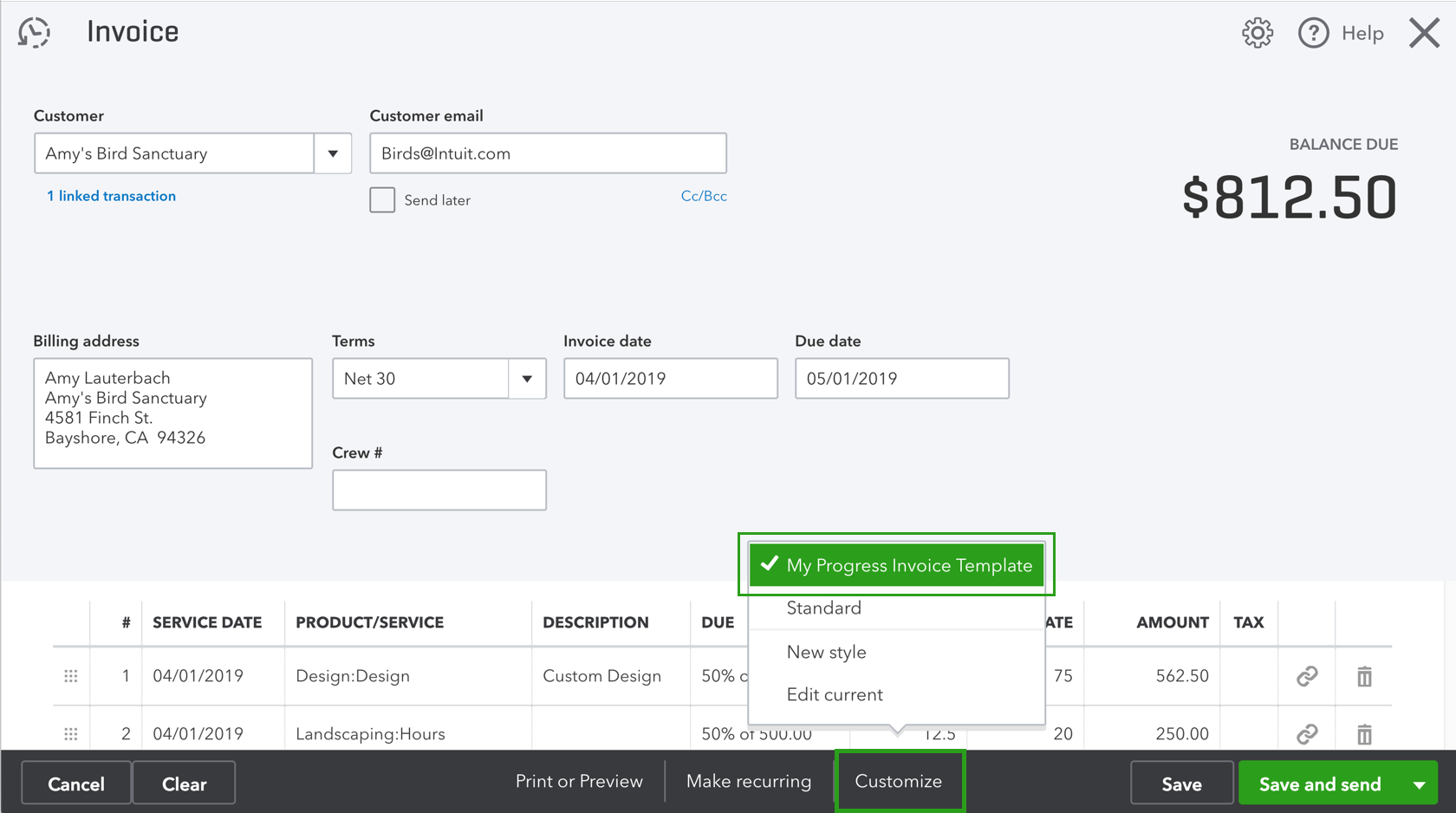
Quickbooks was created by Intuit, the same company that makes Mint and TurboTax software.
It's a powerful accounting and invoicing tool, and has been around the longest.
Strengths
Try before you buy: 30 day free trial of any one of Quickbooks' plans.
Integrations: users can choose to integrate Quickbooks with more than 100 services, including payment processors, scheduling tools, analytics tools, and more.
Making Tax Digital: Quickbooks is compliant.
Weaknesses
On the more expensive side: without taking account any promotions, Quickbooks starts at £8/month for its most simple package. However, it doesn't include all the features you would find in a tool like Zoho.
Late payment reminder functionality, for example, doesn't kick in until the next package up which costs £12 monthly.
User experience: a longstanding software is a double-edged sword (the first version of QuickBooks was launched in 1992).
Over the years, QuickBooks has become a powerful, feature-filled, and thorough software. That means simplicity of use was sacrificed, which is something you may not appreciate if you want to hammer out a quick invoice.
Recommendation
I recommend a lean approach to choosing invoicing software, especially if you don't have an extremely large customer base.
But give Zoho a try before you dive into QuickBooks. You may find yourself saving some money, but more importantly, time.
Invoicely Invoicing Comparison
Invoicely used to be known as Invoiceable.
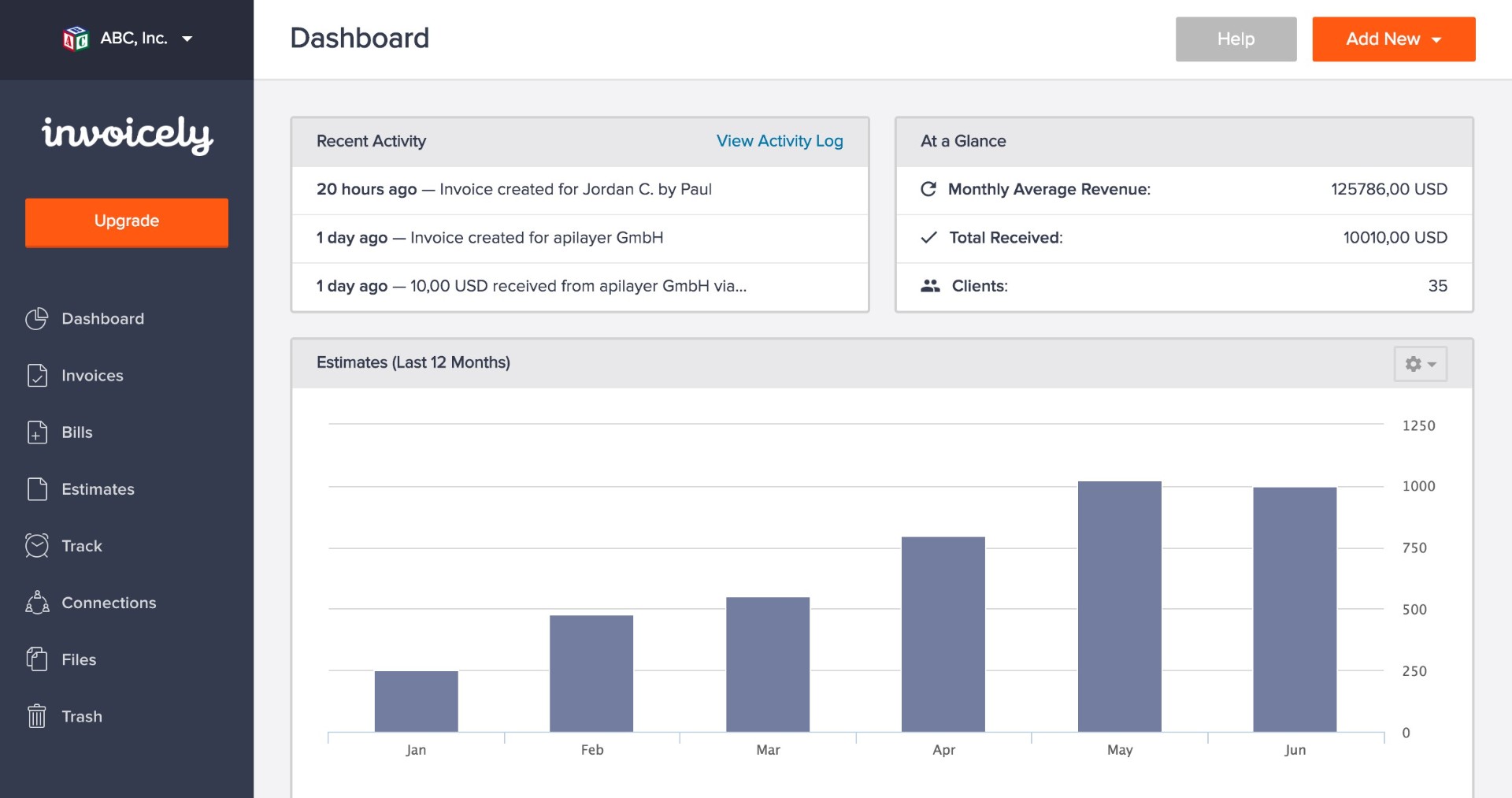
It's a great option for startups and new businesses because it allows you to send unlimited invoices to unlimited customers - even on the free plan.
Invoicely's pricing is also affordable. The 'Basic' plan is $9.99.month and enables time tracking, expenses, recurring statements, and easy quotes/estimate functionality.
Strengths
Unlimited free basic invoicing: Their free plan lets you send an unlimited number of invoices to an unlimited number of customers. Note: these allow no custom branding
Multi-country, multi-currency: They support multiple countries and currencies.
Weaknesses
Limited time and mileage tracking: These are only data entry screens: they have very basic features that don't offer GPS tracking for mileage or for time tracking, a pop-up timer.
Making Tax Digital: As far as I can tell, they are not compliant, which could be a deal-breaker for you.
Recommendation
I think that they're a good option if you're a small business. I recommend them if you want a great free or affordable software that can handle your basic needs.
But if you scale up or have more than a several employees, you may want to consider other options. Overall Invoicely doesn't stand out for me from a feature perspective, but it does appear easy to use, and the unlimited free invoices is a big benefit.
Xero Invoicing Comparison
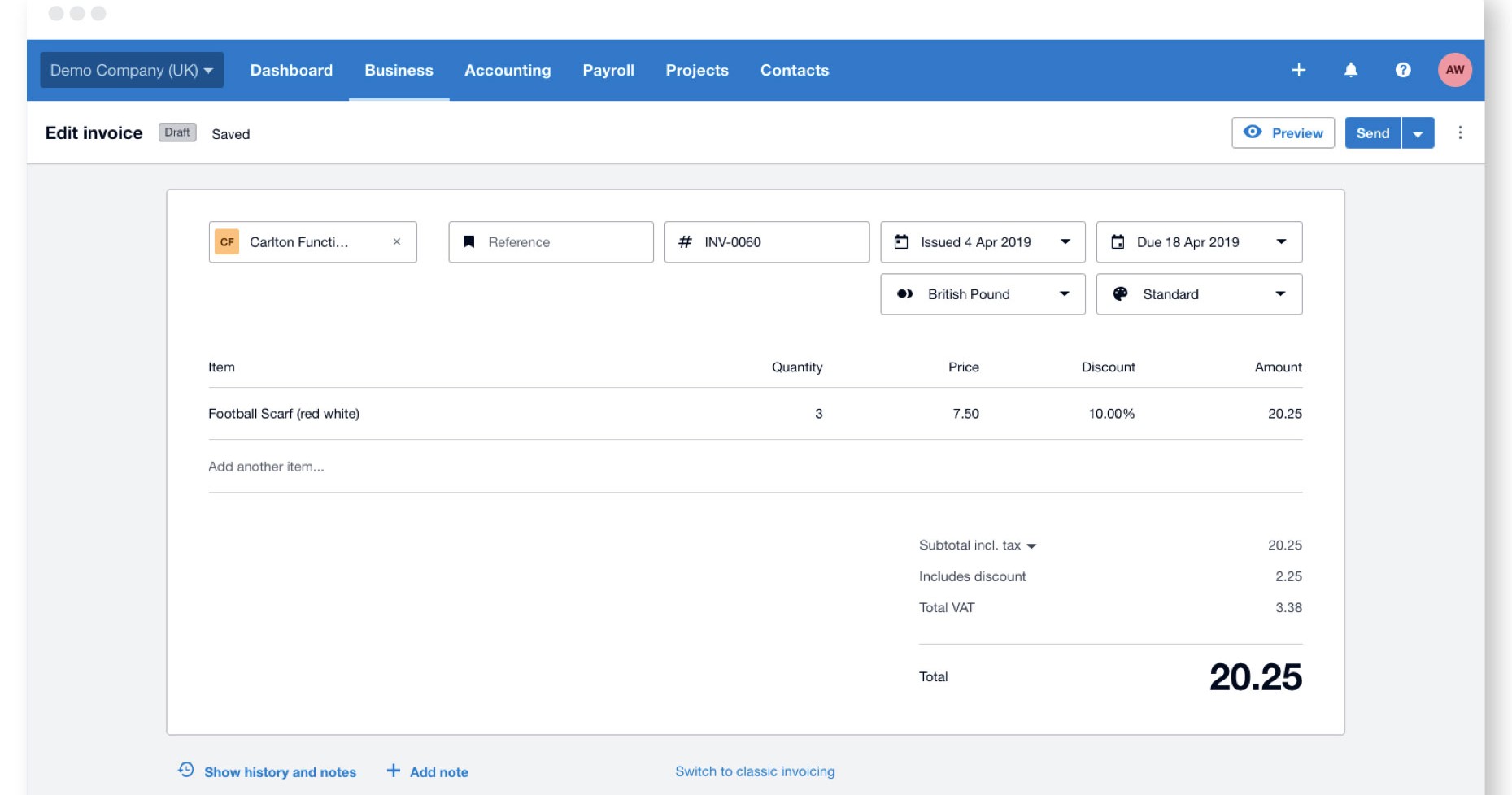
Xero is a well-built, user-friendly invoicing and cloud accounting software.
Based in New Zealand, this company has offices around the world, including in the UK for fast customer support. Just shy of 2M people are using Xero.
Strengths
Try before you buy: 30 day free trial of any one of Xero's plans.
Flexibility: Xero allows you to very easily edit invoices. Duplicate them, edit them, repeat them - you get the picture. It's dead simple to use.
Making Tax Digital: Xero is compliant.
Weaknesses
On the pricier end: the base price for Xero's plans starts at £10/month. However, this plan limits you to 5 invoices sent, so depending on your business you may need to upgrade to Xero's £22/month plan from the get-go.
Recommendation
Xero's plans are pricier than the rest of the software I suggested, and so I'd suggest giving some of the others a try before committing to this one if you're strapped for cash.
That being said, it appears to have some great features and reviews.
Quickbooks Invoicing Comparison
There are a number of different platforms available to start using invoicing software for your business and the above all have good sets of features.
But you'll want to make sure you pick the right one to start, so that you don't find out later that it's missing something that you need and that it's not the right fit.
I've created a summary table of key features for the five tools reviewed above:

If you're looking for even more information, PCMag does a deeper run down on accounting and invoicing software, including in-depth reviews on each. Our goal was to provide you with a quick look and recommendation for where to start.
Good luck on starting your invoicing journey!


